
Your terminals, in your pocket.
Every terminal and agent on your phone. Answer Claude when it asks, type into any terminal, and get an alert on a locked phone. Your own PC serves it over your network: no account, no cloud, no app store.
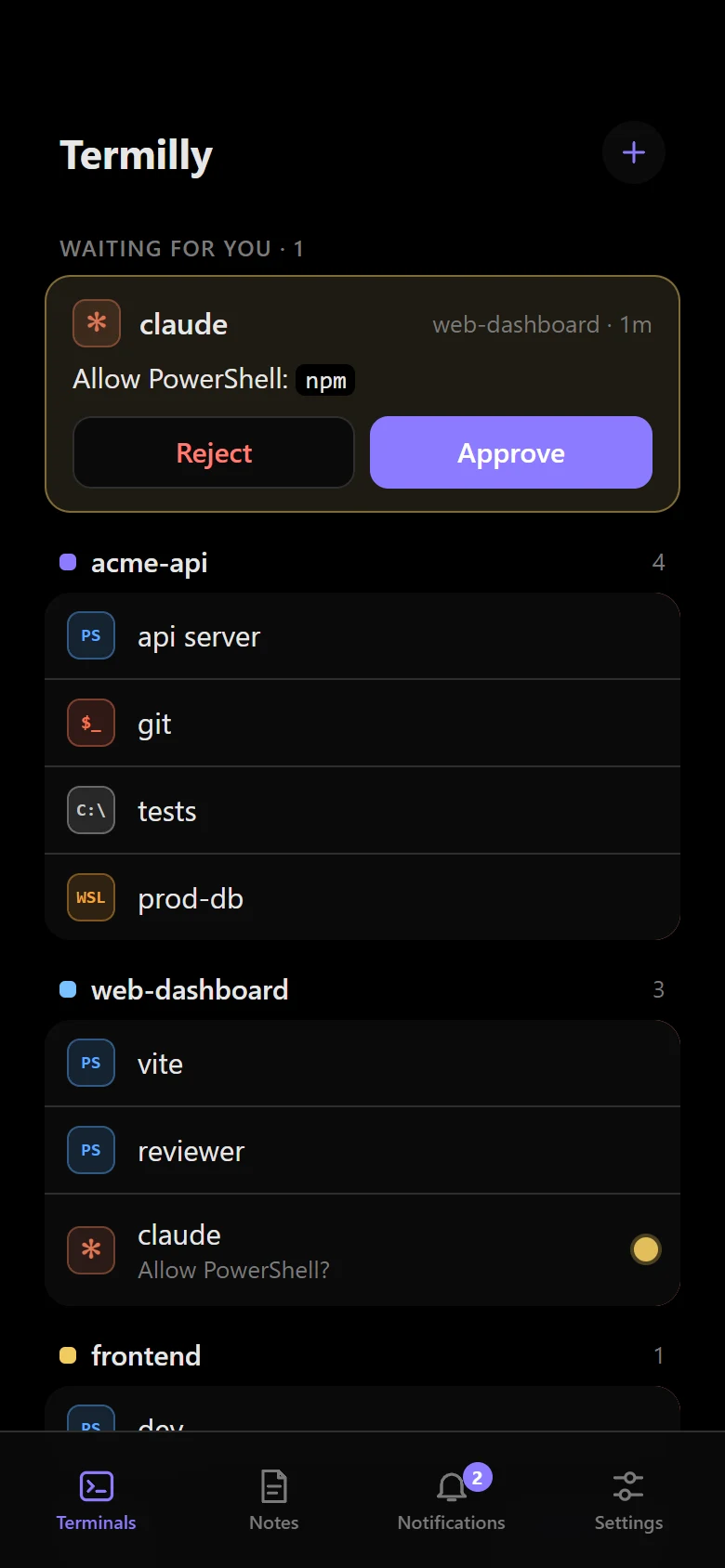
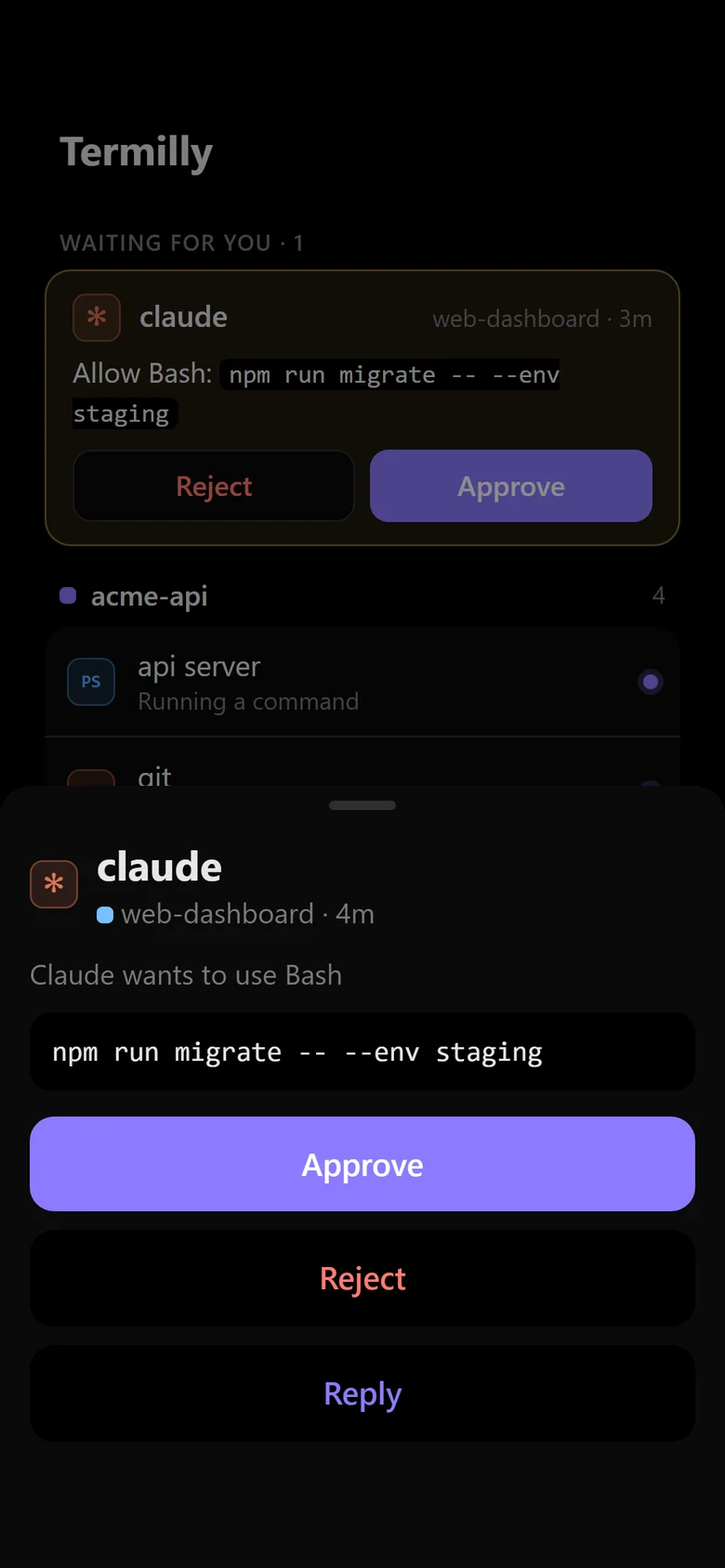
Answer your agents
Approve, reject or reply when Claude asks. The card goes as soon as you answer.
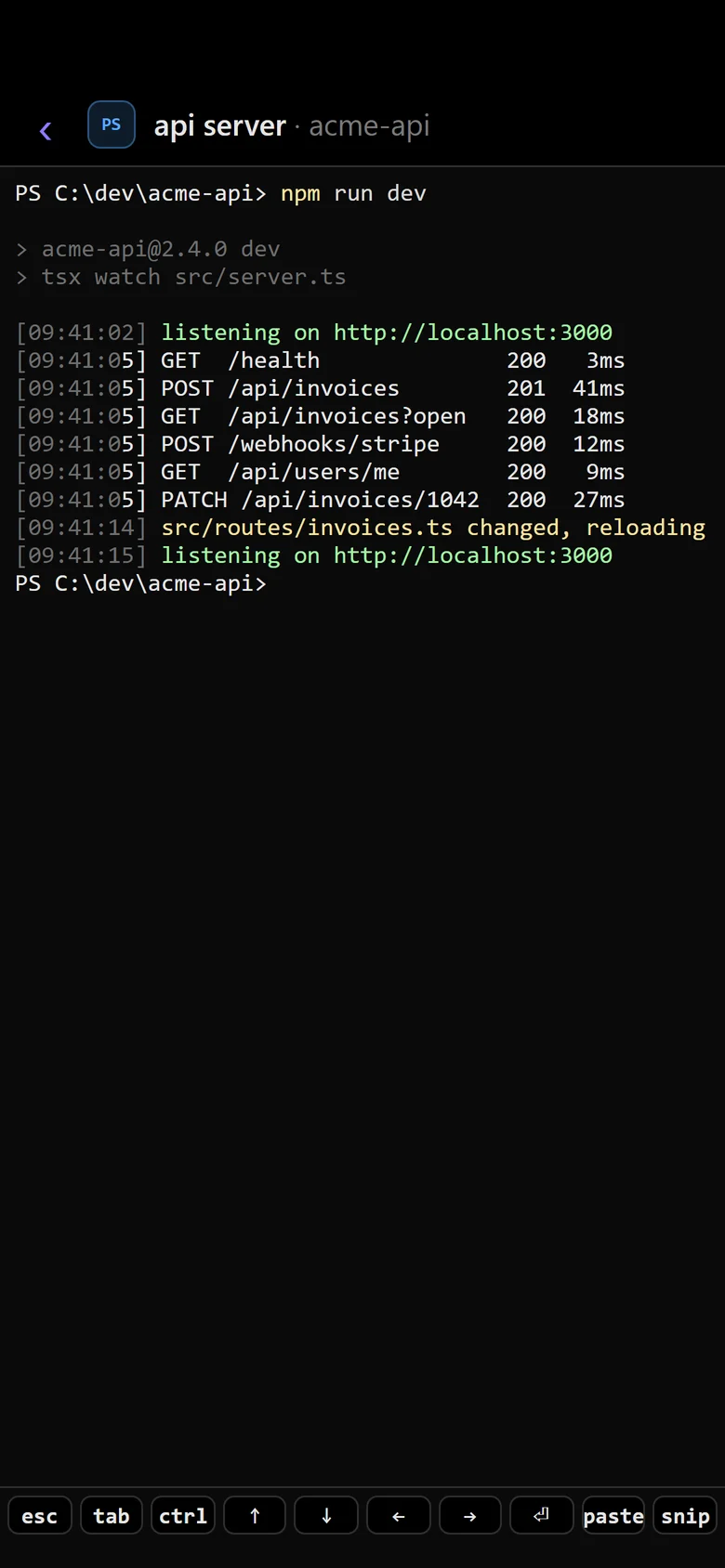
Every terminal, live
Open any terminal and type into it. It takes the phone's size while you look and gets its own back when you leave.
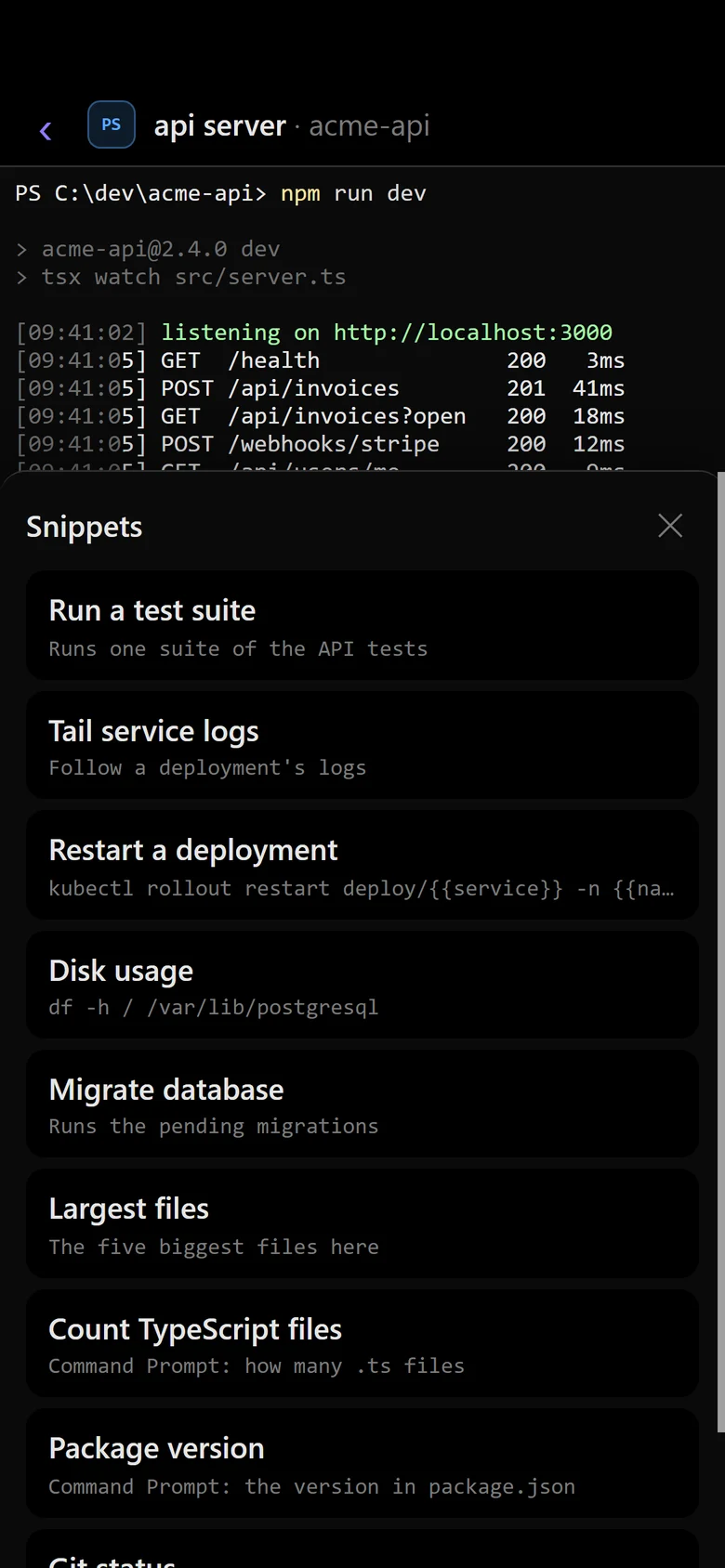
Your snippets
Your PC's snippets one tap away. Placeholders are asked for first.
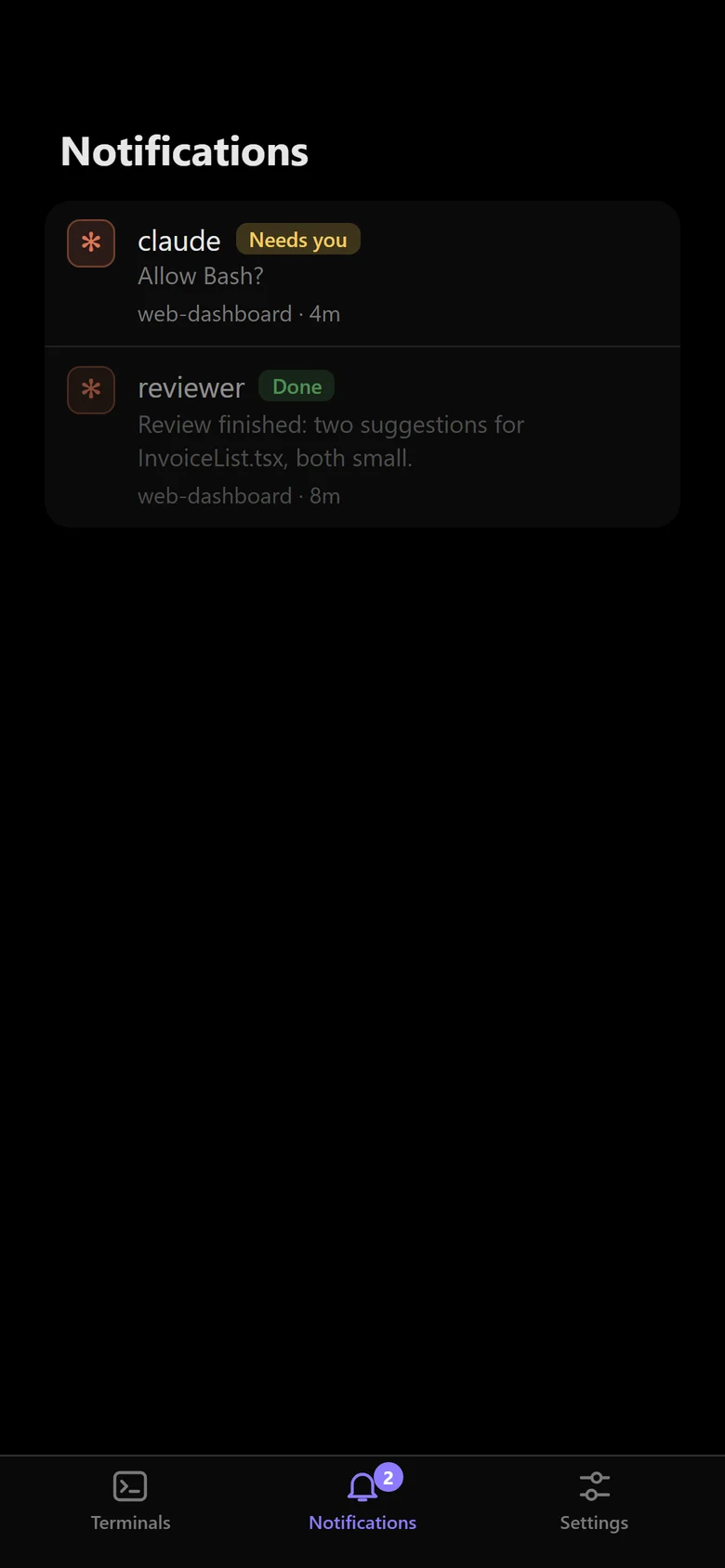
What you missed
What agents said while you were away, newest first, as in the PC's Notification center.
Friday 31 October
9:41

Needs you: claude · web-dashboardnow
Allow Bash: npm run migrate -- --env staging
Alerts on a locked phone
When an agent needs you or finishes, even with the app closed. Encrypted end to end.
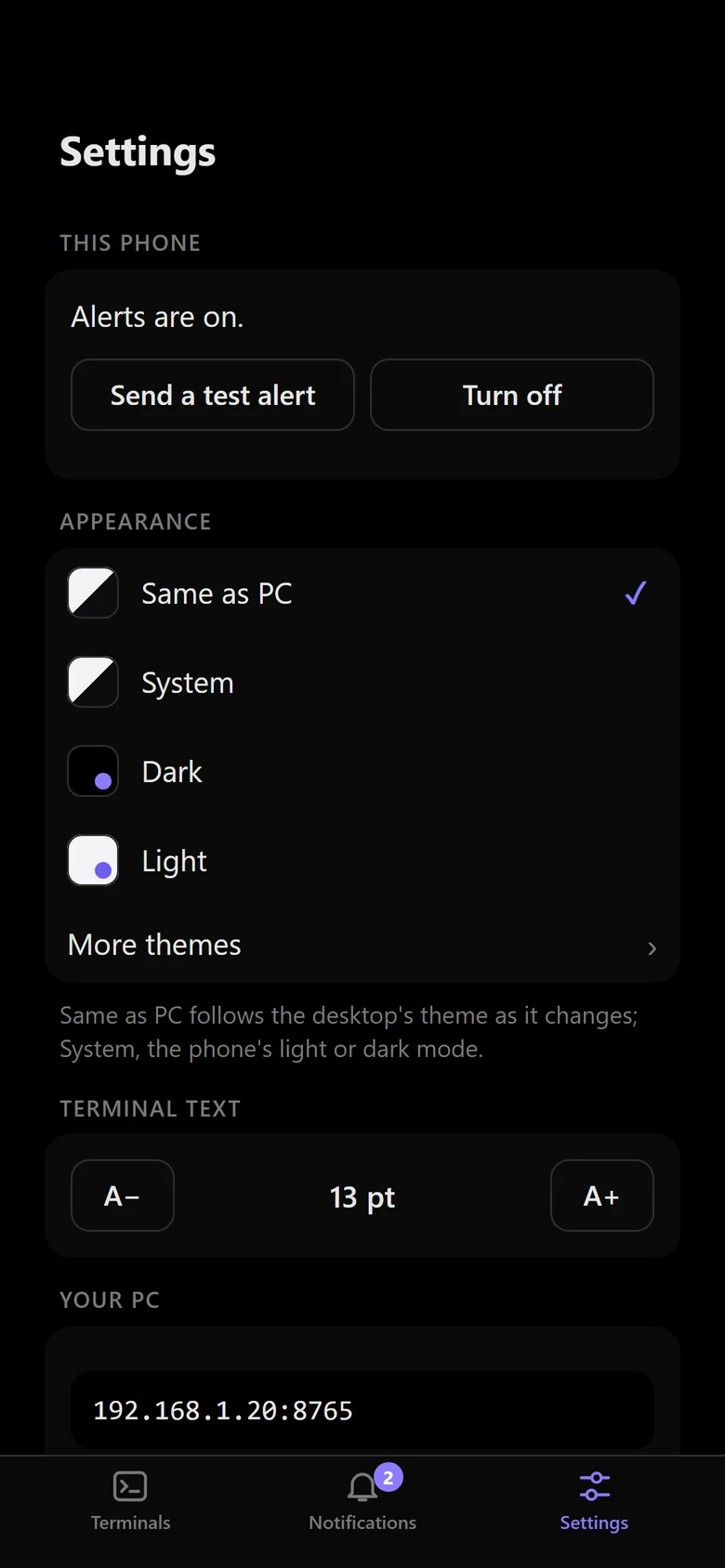
Your look
The same theme as your PC, or any of its themes, and the terminal's text size.
Once per phone, in about two minutes. An iPhone is shown; on Android, install the certificate as a CA certificate and add the app from Chrome's menu.
-
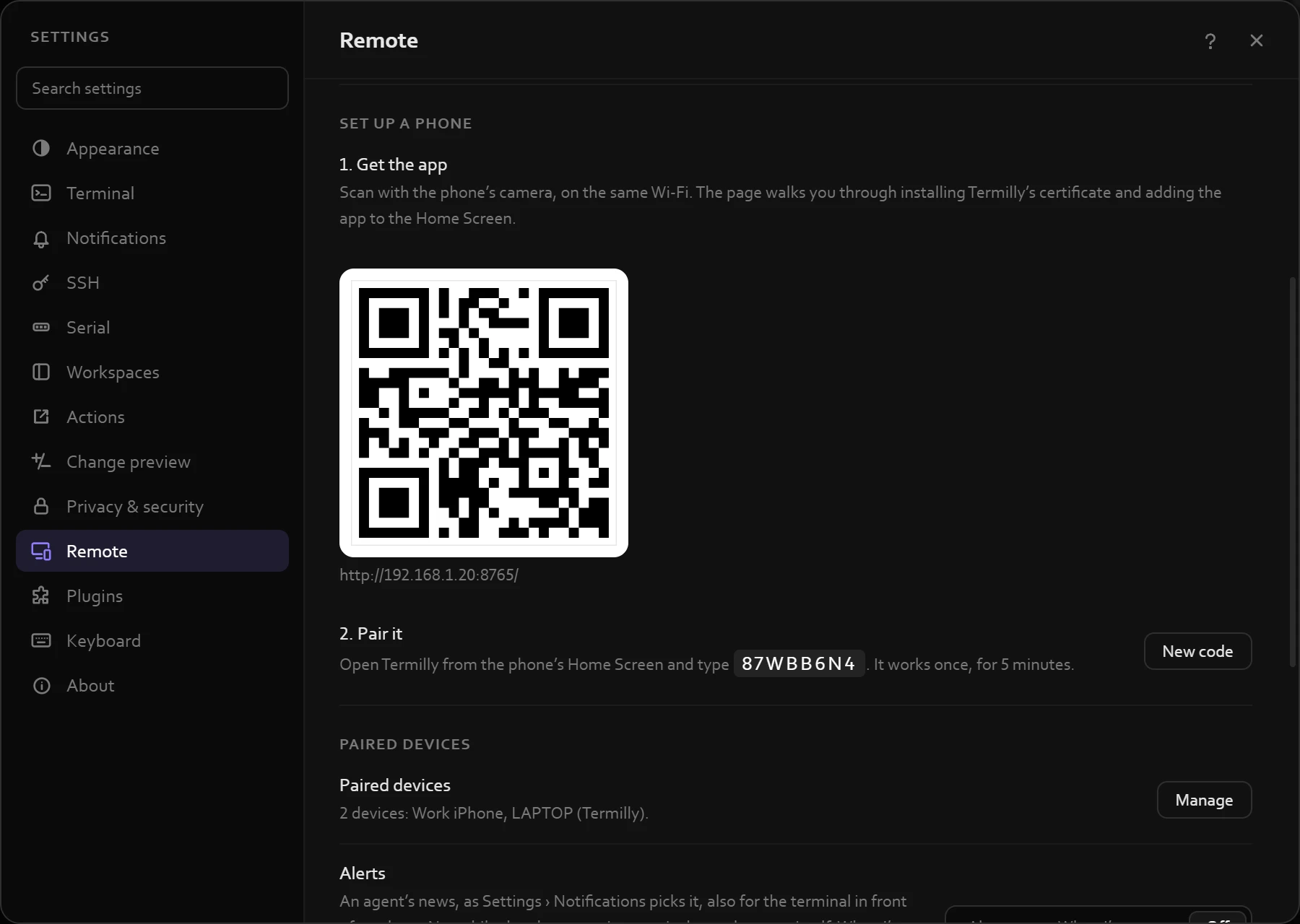
1On the PC
Turn it on
Settings › Remote › Remote access. Set up a phone shows a QR code for your phone.
-
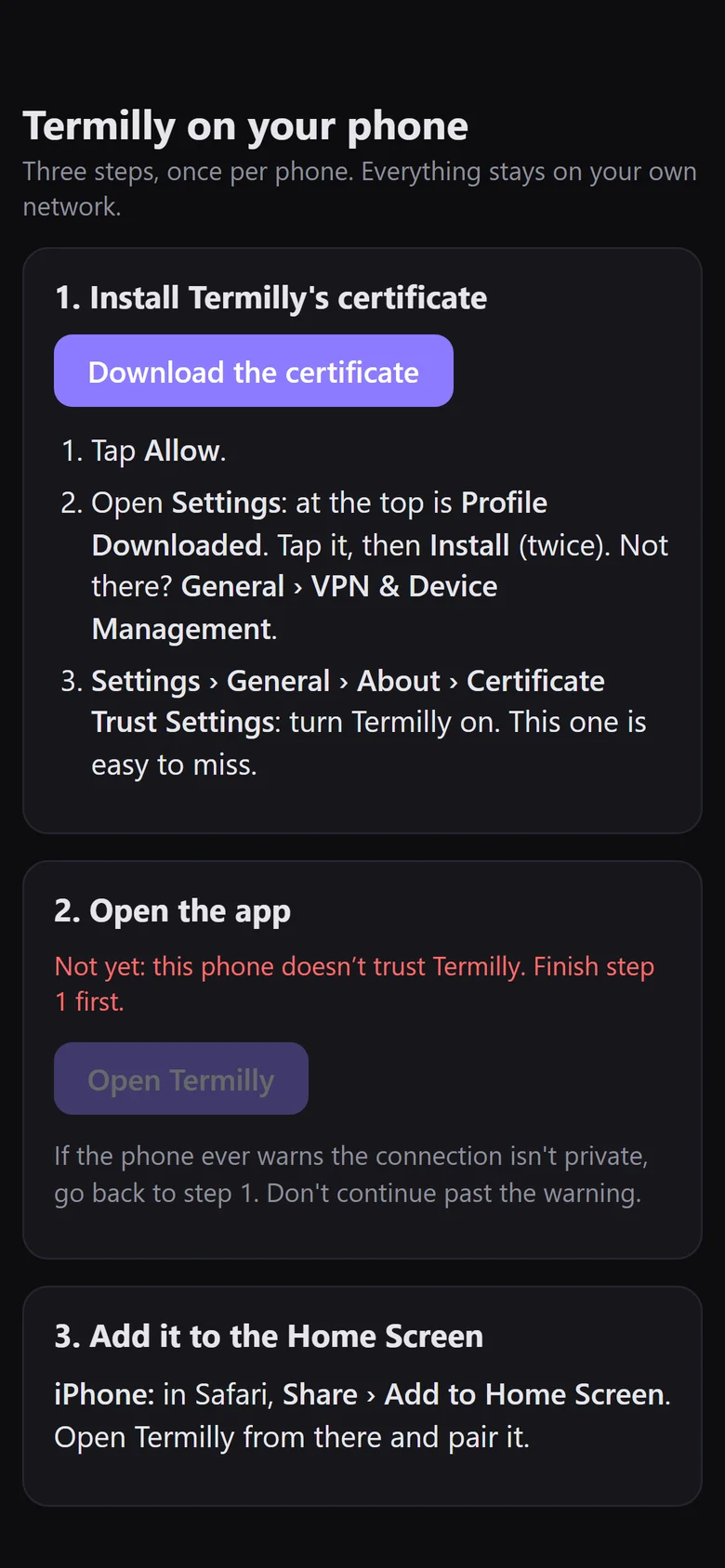
2On the phone
Scan the QR code
With the camera, on the same Wi-Fi. The page that opens takes you through the rest.
-
CancelInstall ProfileInstall
 Termilly on WORKPCSigned by Termilly on WORKPCNot Verified
ContainsCertificate
More Details›
Tap Install, enter your passcode, then Install again.
3In iPhone Settings
Install the profile
Tap Download the certificate, then Allow. In Settings, Profile Downloaded is at the top: tap it, then Install.
-
‹ AboutCertificate Trust Settings
Enable full trust for root certificates
Termilly on WORKPC
Turn it on, then Continue. Without this step the phone still warns that the connection isn't private.
4In iPhone Settings
Trust it
General › About › Certificate Trust Settings: turn Termilly on. The step that's easy to miss.
-
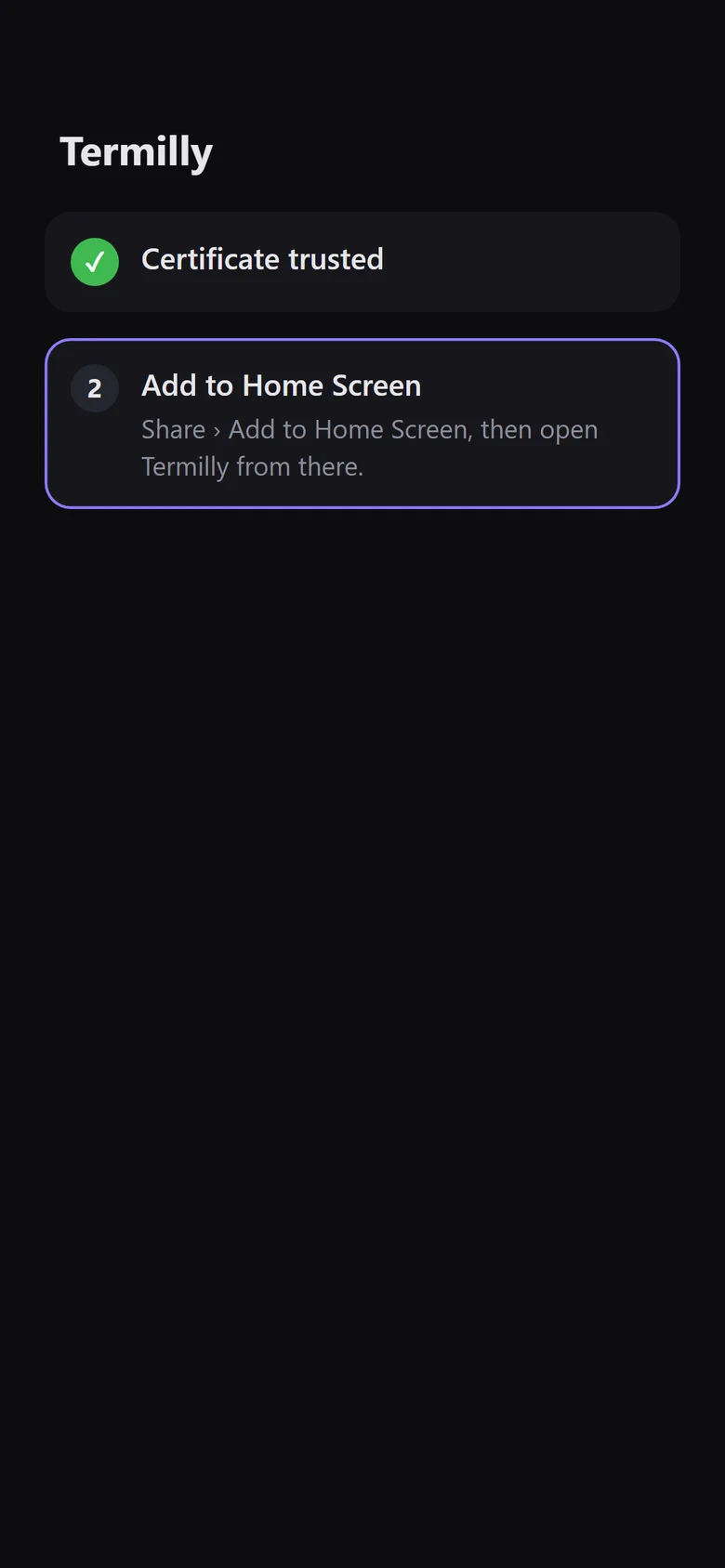
5In Safari
Add it to the Home Screen
Open Termilly, then Share › Add to Home Screen, and open it from there.
-
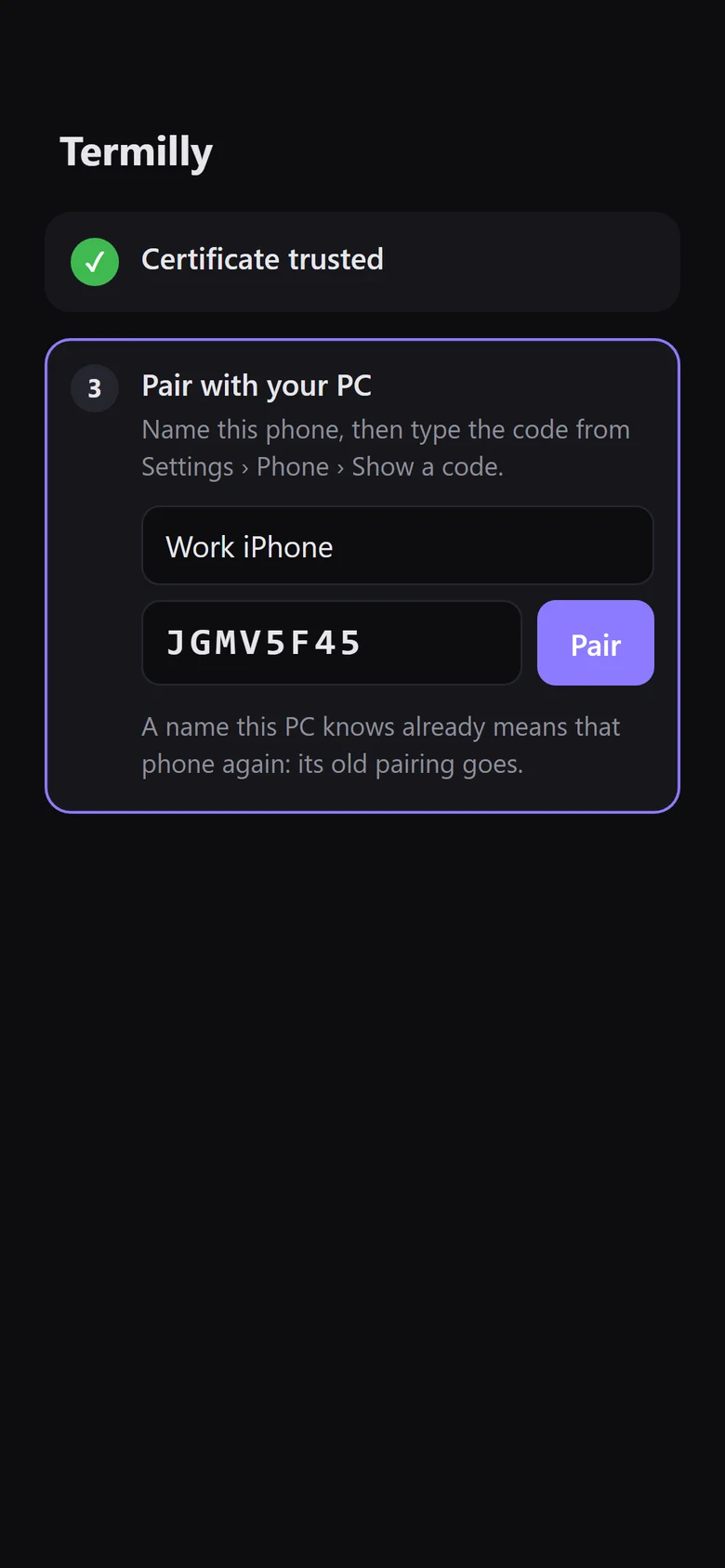
6In the app
Pair it
Name the phone and type the code from Settings › Remote › Show a code. Pairing again under the same name replaces the old entry.
-
Friday 31 October
9:41
Needs you: claude · web-dashboardnow
Allow Bash: npm run migrate -- --env staging
7In the app
Turn on alerts
Tap Turn on alerts and allow them. Send a test alert, lock the phone, and it arrives in a few seconds.
Work in another Termilly computer's terminals from this one: its workspaces, live, agents included. Both on the same network.
1On the other PC
Turn it on
Settings › Remote › Remote access. Pair a computer shows its name and a code.
2On this PC or laptop
Add it
Remote › Termilly computers › Add a computer: type the other PC's name (or address) and the code.
3On this PC or laptop
Open its terminals
Its workspaces show under Termilly computers. Click a terminal to work in it. Computers attach one way only.
- Off until you turn it on. Then it listens only on your private network address, never the internet.
- Only your phones. Everything is HTTPS with Termilly's own certificate, and only paired phones get in. Remove one in Settings › Remote › Manage.
- Typing is yours to allow. Off until you turn on Allow typing; terminals tagged prod ask first.
- Private alerts. They go through Apple's or Google's push service, encrypted end to end. Hide details keeps names off the lock screen.

Download Termilly
Windows 10 (version 1903 or later) and Windows 11, 64-bit, or Debian and Ubuntu.
-
Download
WindowsFull installer
About 270 MB. Carries .NET and WebView2, so it works without an internet connection.
-
Download
WindowsOnline installer
About 10 MB. Downloads .NET and WebView2 from Microsoft while it installs.
-
Download
LinuxDebian and Ubuntu package
About 1 MB. apt installs .NET and WebKitGTK with it.
Or install from a terminal
-
WindowsPowerShell
irm https://termilly.com/install.ps1 | iex -
WindowsCommand Prompt
curl.exe -fsSLo install.cmd https://termilly.com/install.cmd && .\install.cmd && del install.cmd -
LinuxTerminal
curl -fsSL https://termilly.com/install.sh | sh